
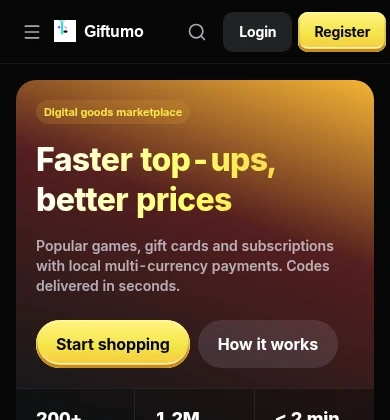
Giftumo home preview
Web App benefits
Easy to set up
Open from your home screen. No address to type and no browser tab to find.
Use it anywhere
Sign in to the same account to view your orders and codes on phone or desktop.
Lightweight & convenient
Use the web service without downloading a separate package from an app store.
How to install
Choose your device and follow the steps for your browser.
- 1Open Giftumo in Safari.
- 2Tap the Share button (the square with an upward arrow) in the bottom bar.
- 3Scroll down and choose “Add to Home Screen”.
- 4Tap “Add” in the top-right corner. Done.
FAQ
A Progressive Web App gives you an app-like experience straight from the browser: it lives on your home screen, runs in its own window and launches fast — without a heavy download from an app store.